Brand
The Pixtopia logo and its colours. Use them to write about Pixtopia, link to it, or show that your art is there.
Download everythingEvery logo as SVG and PNG, in one ZIP of 32 KB.
Logo
Each one comes for a dark background and a light one, as SVG and as PNG with nothing behind it.
Logo with name
The first choice, wherever there’s room for it.


Mark
The P with its four colours, for small spaces and profile pictures.


Mark in one colour
For when the four colours can’t be used, or would fight with a picture behind it.


Name
The name as the logo draws it. It isn’t a font, so please don’t try to type it.



Covers
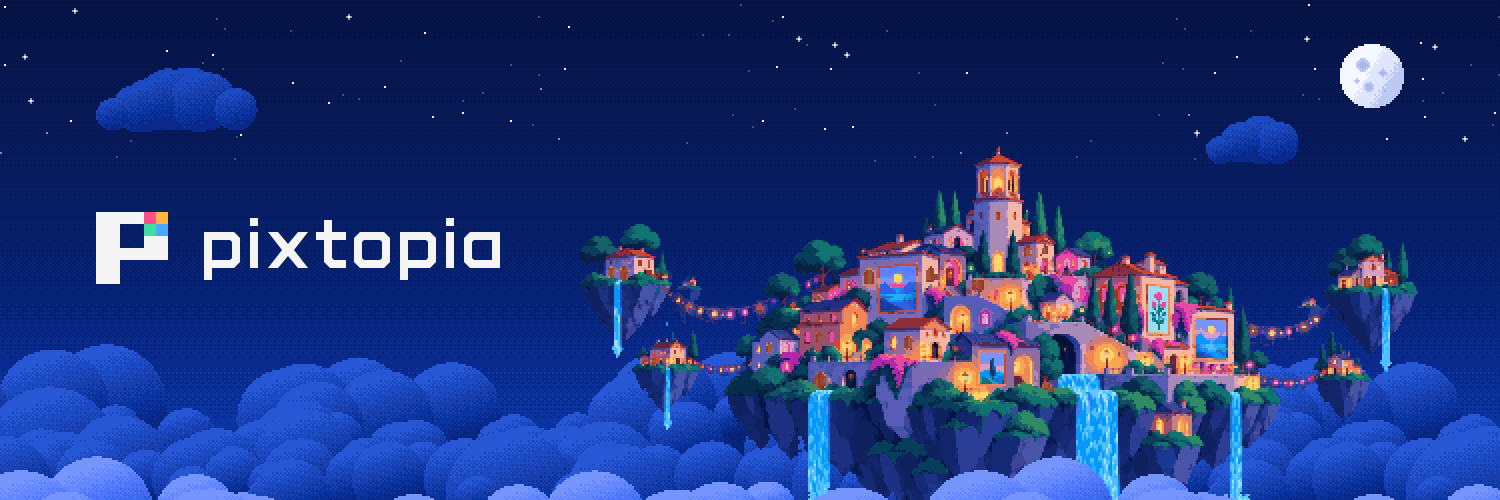
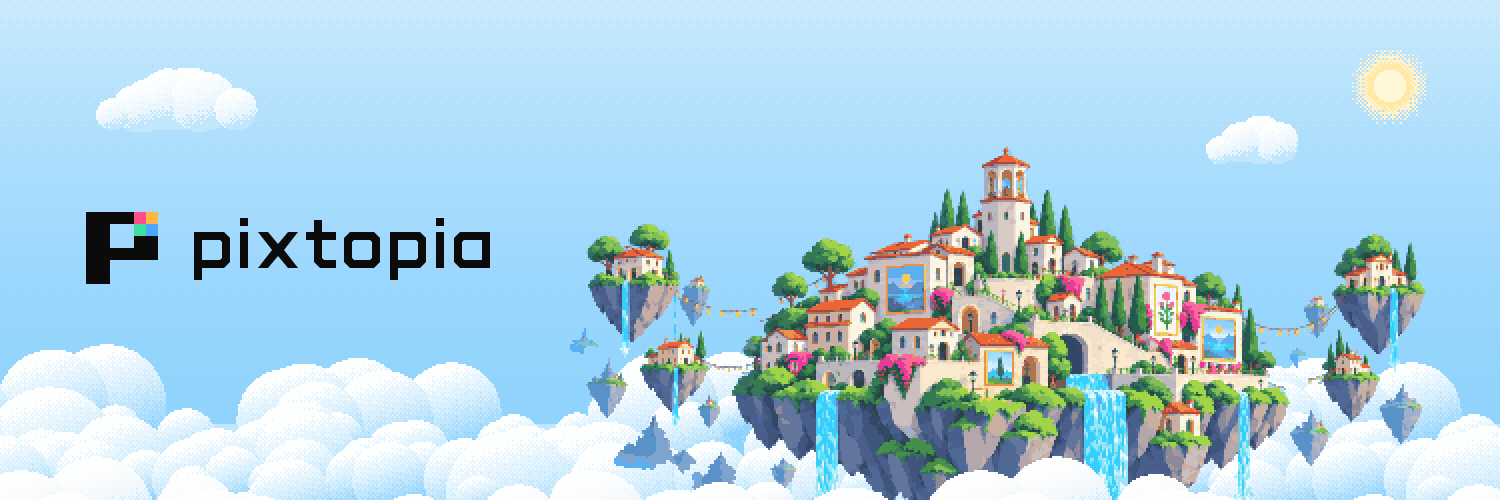
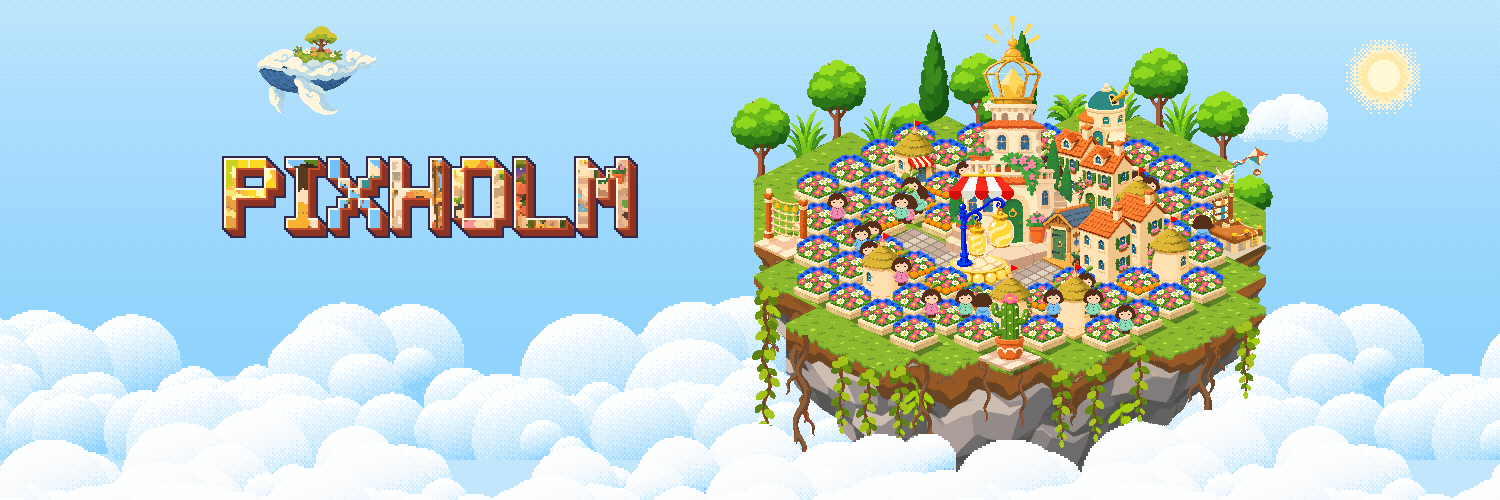
Headers for social profiles, each the size its site asks for, drawn from Pixtopia’s own pixel art.
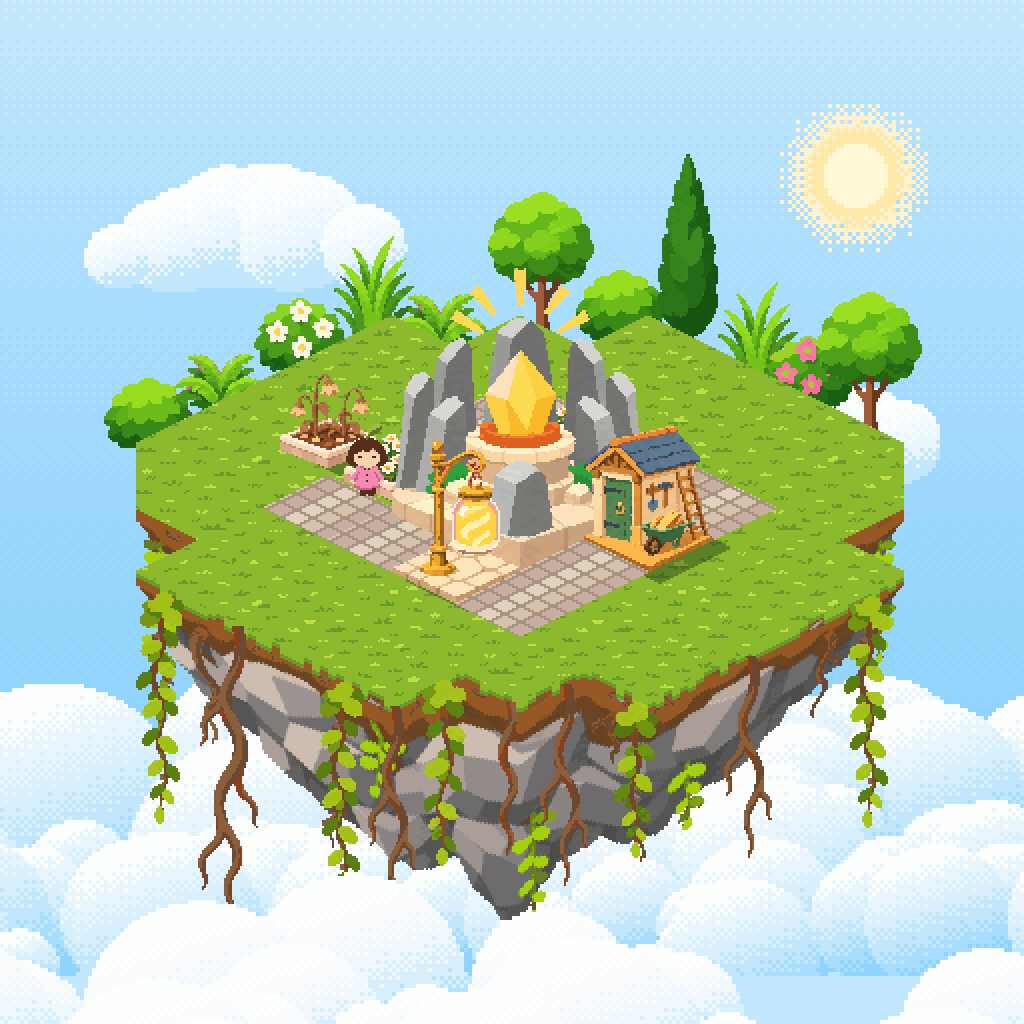
ZIPEvery cover and Pixholm’s profile picture, in one ZIP of 1013 KB.
Pixtopia
The town from the title screen, over the clouds by night and by day. For a profile picture, use the app icon.
Pixholm
An island grown in the game, with a cloud whale and the letters from Pixholm’s first post. The profile picture is a young island.
Sizes
- X1500 by 500. Your profile picture sits over its lower left corner, so nothing is there.
- YouTube2560 by 1440. Phones show only the middle 1546 by 423, so everything that matters is there.
- Facebook1640 by 624. Phones cut off the sides, so everything is in the middle.
- 16:91920 by 1080, for anywhere else, like a Discord server or the end of a video.
Colours
The four colours belong to the mark. Pixtopia’s own screens stay black and white, so the art brings the colour.
- PinkTop left of the four
#FF4F8BRGB 255 79 139 - AmberTop right
#FFB547RGB 255 181 71 - MintBottom left
#3EE0A1RGB 62 224 161 - SkyBottom right
#4CA8FFRGB 76 168 255 - CharcoalDark backgrounds, and the logo on light ones
#0B0B0CRGB 11 11 12 - Off-whiteThe logo on dark backgrounds
#F5F5F5RGB 245 245 245
Using it
Room and size
Keep two grid squares clear around the mark, and a little more around the name: the files already have that room. The mark works from 16 pixels and the logo with its name from 32 pixels tall. Any smaller than that, use the mark alone.
Keep it as it is
Use the files as they come. The four colours always sit in the same order, and the mark keeps its square shape.
Don’t rearrange the colours
Don’t stretch it
Don’t fill in the window
Don’t add glows, shadows or outlines
Writing the name
Pixtopia, one word with a capital P. It’s an app for Pixa, the blockchain, which Pixtopia doesn’t run. PIXA Keychain, Pixtopia’s wallet for Pixa in the browser, wears the same mark.
What they’re for
Use them to write about Pixtopia, link to it, or show that your work is there. Please don’t change them, make them part of your own logo, or use them in a way that suggests Pixtopia made or backs something it didn’t.
Pixa’s tokens
PIXA, PXS and Pixa Power as Pixtopia’s wallet draws them, for token lists, exchanges and wallets. The round icon suits the circle most of them show a token in.
The marks belong to Pixagram AG. Use them only to show these tokens.
ZIPAll three as SVG and PNG, in one ZIP of 106 KB.
PIXA
Pixa’s own coin.


PXS
Pixa’s stable coin, held to the price of a US Big Mac.


